
Webinar on challenges in Salesforce Test Automation
Focus on outcome, not output appears rational yet difficult to comprehend. One common blocker to achieving outcomes is the mindset: This is not part of my job profile. This attitude is a hindrance to creating an impact hitherto an outcome.
On August 21, my colleagues across departments (Marketing, QA, R & D, Sales) helped me deliver an online webinar on Salesforce Test Automation using Sahi Pro. Many actively toiled in the background to make it happen. Be it the content, the lighting, the background settings, etc. everyone stepped up beyond their defined roles to make it happen. Some consciously choose to postpone certain decisions or meetings to ensure I had the space to focus.
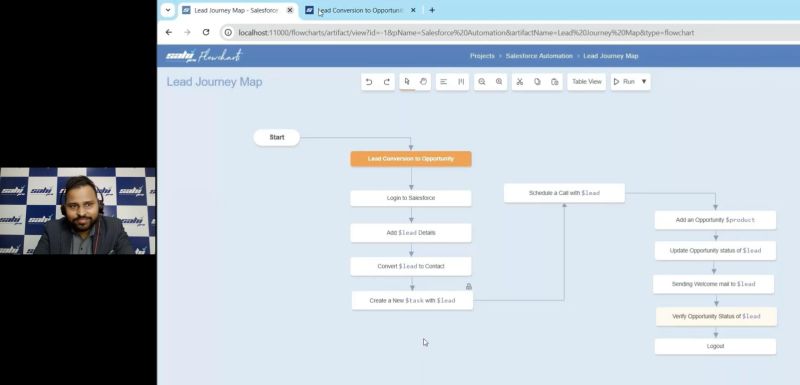
Induced by their grit and positivity, I successfully demonstrated the webinar. The attendees stayed engaged till the end. They came in huge numbers, asked questions, provided feedback. Below is a snapshot of that.
Salesforce offers a suite of cloud based applications across domains such as sales, customer service, marketing, and many more. Salesforce automation involves automating applications like Sales Cloud, Service Cloud, Marketing Cloud, etc. All these cloud applications are highly customizable, which creates the need for a sophisticated test automation strategy.
AppExchange is Salesforce’s official enterprise cloud marketplace. It has over 9,000 apps (at the time of writing), components, and consulting solutions that extend the functionality of Salesforce across sales, service, marketing, finance, and more. Also, Salesforce can integrate with a lot of third party tools. Since you have a plethora of options available, businesses may look to periodically switch to better alternatives. Consequently, it is prudent that your test automation is able to adapt to these changes.
Salesforce automation usually requires waits to manage the timing of processes and ensure that actions occur in the correct sequence. With Salesforce updating three times a year, your Test Automation may suffer from Time Synchronization issues. Also, with updates the element identifiers may change causing your existing Test Automation to fail.
Salesforce applications inherently have complex DOMs. They contain Shadow DOMs, Iframes, lightning web components. Also, standard HTML elements like textboxes, buttons contain custom HTML attributes. Automating Salesforce Flow Builder involves various drag drop operations for creating workflows.
To sum up, there are three types of challenges.
- Salesforce test automation needs to be adaptive due to customizations, third party integrations
- Inherent test automation challenges like handling complex DOMs, lightning web components, etc.
- Generic test automation challenges like unstable identification and time synchronization issues